> ## Documentation Index
> Fetch the complete documentation index at: https://docs.benevolus.ch/llms.txt
> Use this file to discover all available pages before exploring further.
# Create a post
> Add a volunteer post to your Benevolus event, open to everyone or restricted to teams.
A post is a role in your event (welcome desk, bar, security…). You then add **time slots** to it for your volunteers to sign up.
You need to be an **organiser** of the organisation, and the post is added to an existing **event**.
From your event, open the **Posts** tab, then click **Create a post**.
Give the post a **name** and, if you like, a **description**. Leave **Restrict to teams** on **None (open to all)** to open it to every member, or select one or more teams.
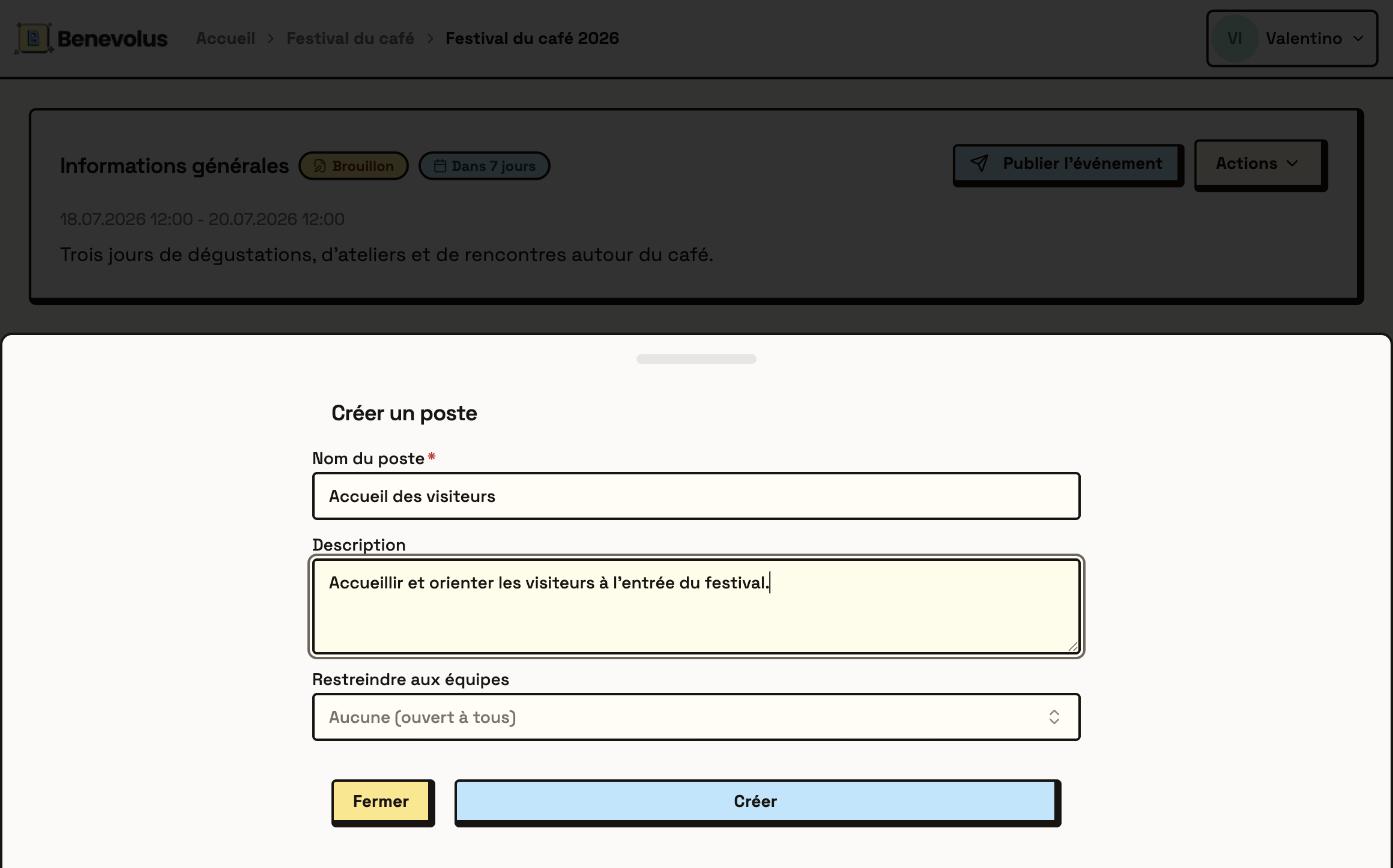 Click **Create**. The post appears in the event's list of posts.
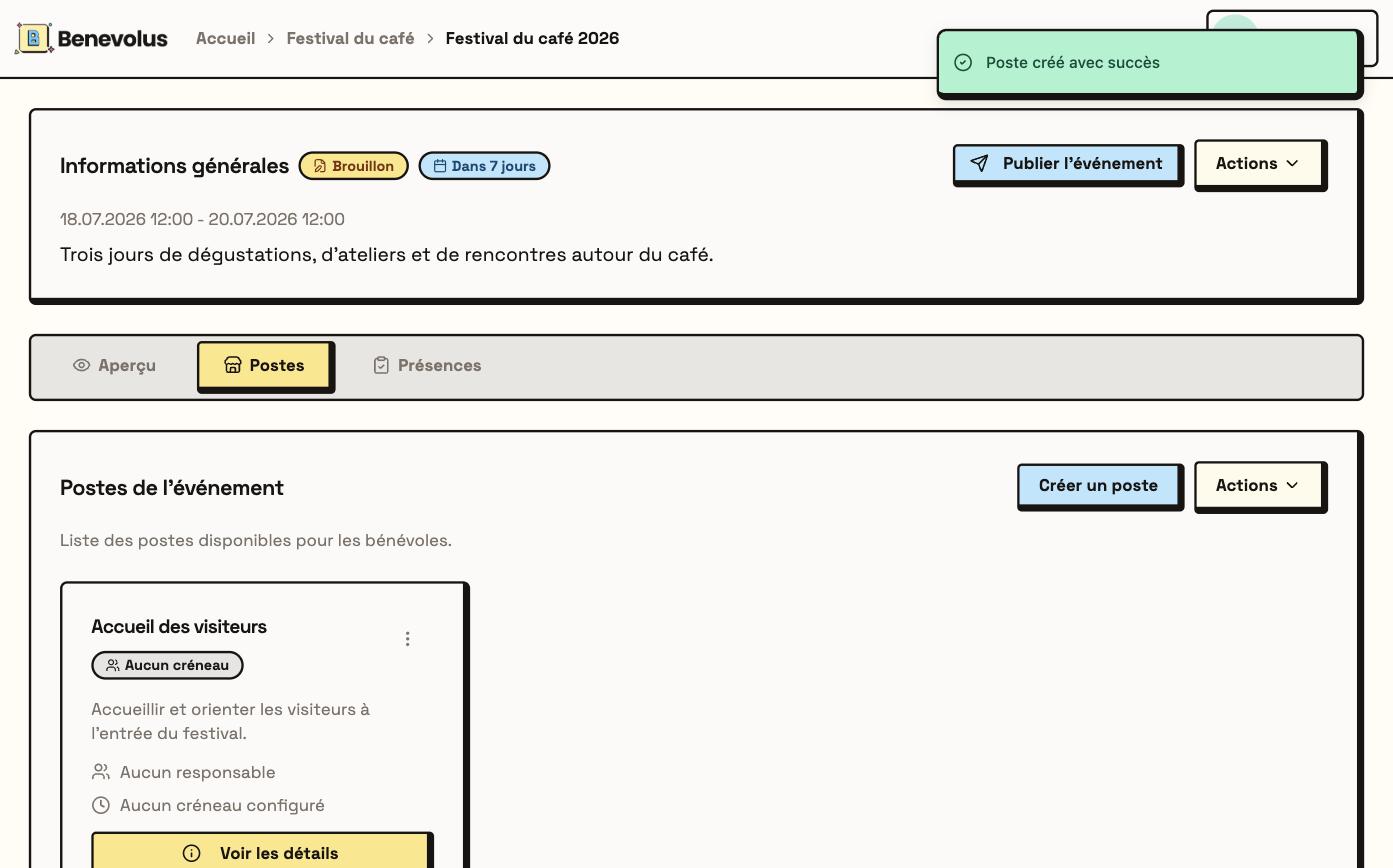 What's next? Open the post, then [add its time slots](/en/add-time-slots) to open sign-ups.