> ## Documentation Index
> Fetch the complete documentation index at: https://docs.benevolus.ch/llms.txt
> Use this file to discover all available pages before exploring further.
# Join an organisation
> Join the organisation that invites you (by email or link) to access its events and sign up for time slots.
To take part in an event, you first join the organisation that runs it. The organiser invites you, by email or with a link.
You need an **invitation** from the organiser (an email or a link). You can create your Benevolus account while joining, if you do not have one yet.
The organiser sends you an invitation by **email**, or shares an **invitation link** with you. Open the link you received.
Sign in to Benevolus. If you do not have an account yet, create one in a few seconds.
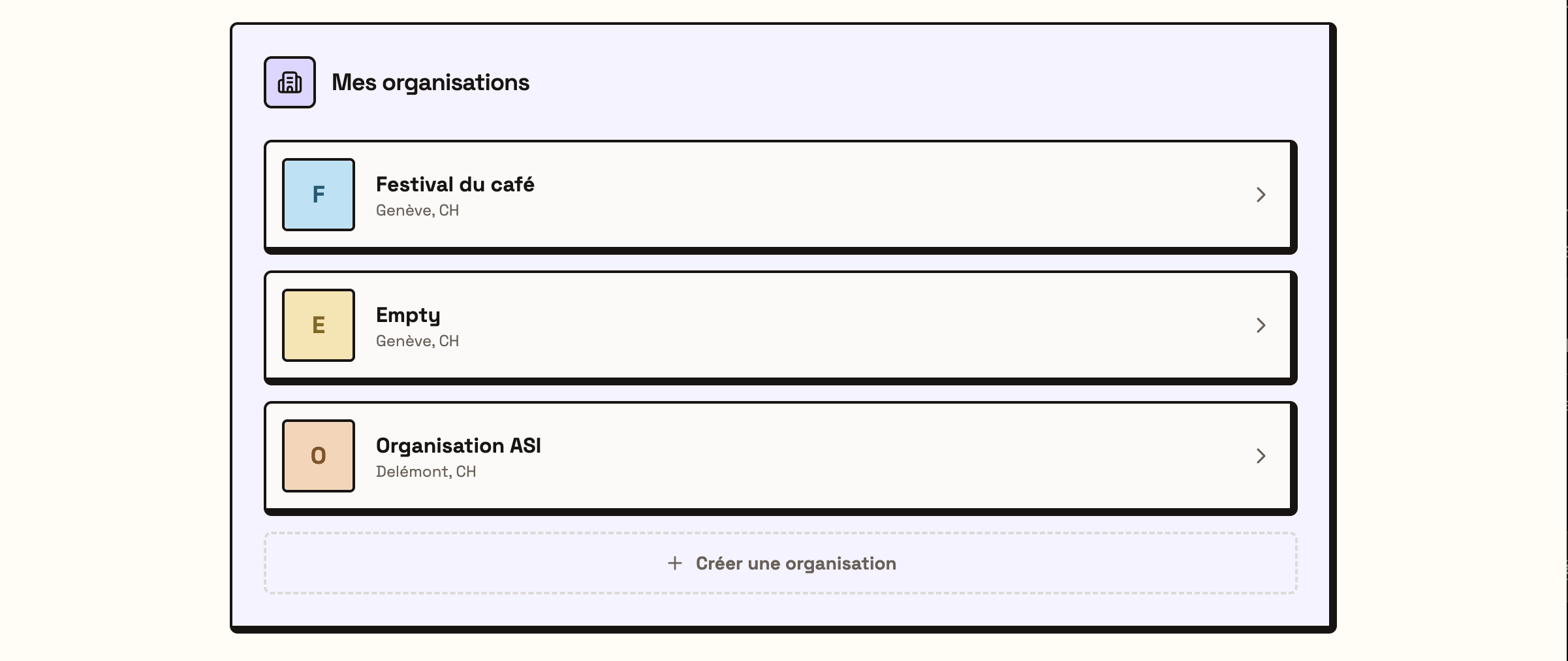
You are added to the organisation. It then appears under **My organisations** on your home page: click it to see its events and time slots.
 What's next? Open the organisation, then [sign up for a time slot](/en/sign-up-for-a-time-slot).