> ## Documentation Index
> Fetch the complete documentation index at: https://docs.benevolus.ch/llms.txt
> Use this file to discover all available pages before exploring further.
# Print schedules
> Print the PDF schedule of one post, or of every post in an event, to display on the day.
A schedule is a PDF summary of a post: its time slots, the registered volunteers and the responsibles. Print it to display at each post on the day of the event.
Organisers only. The schedule reflects the post's time slots and sign-ups at the moment it is generated.
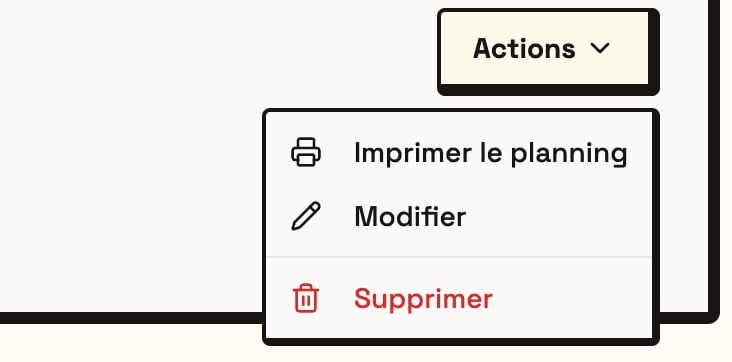
Open the post, click **Actions**, then **Print schedule**. The PDF downloads.
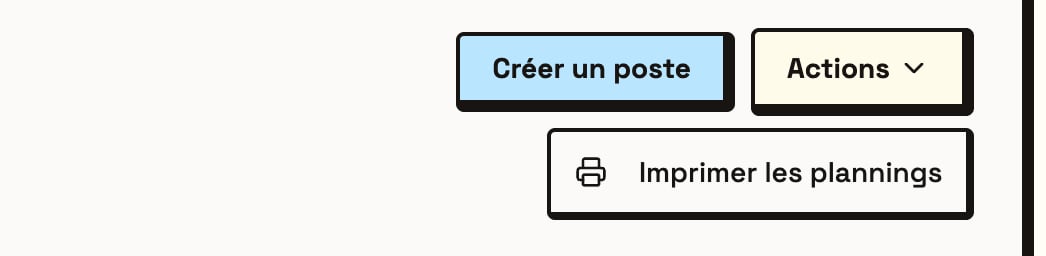
 To print them all at once, open the event's **Posts** tab, click **Actions**, then **Print schedules**. You get a single PDF, **one post per page**.
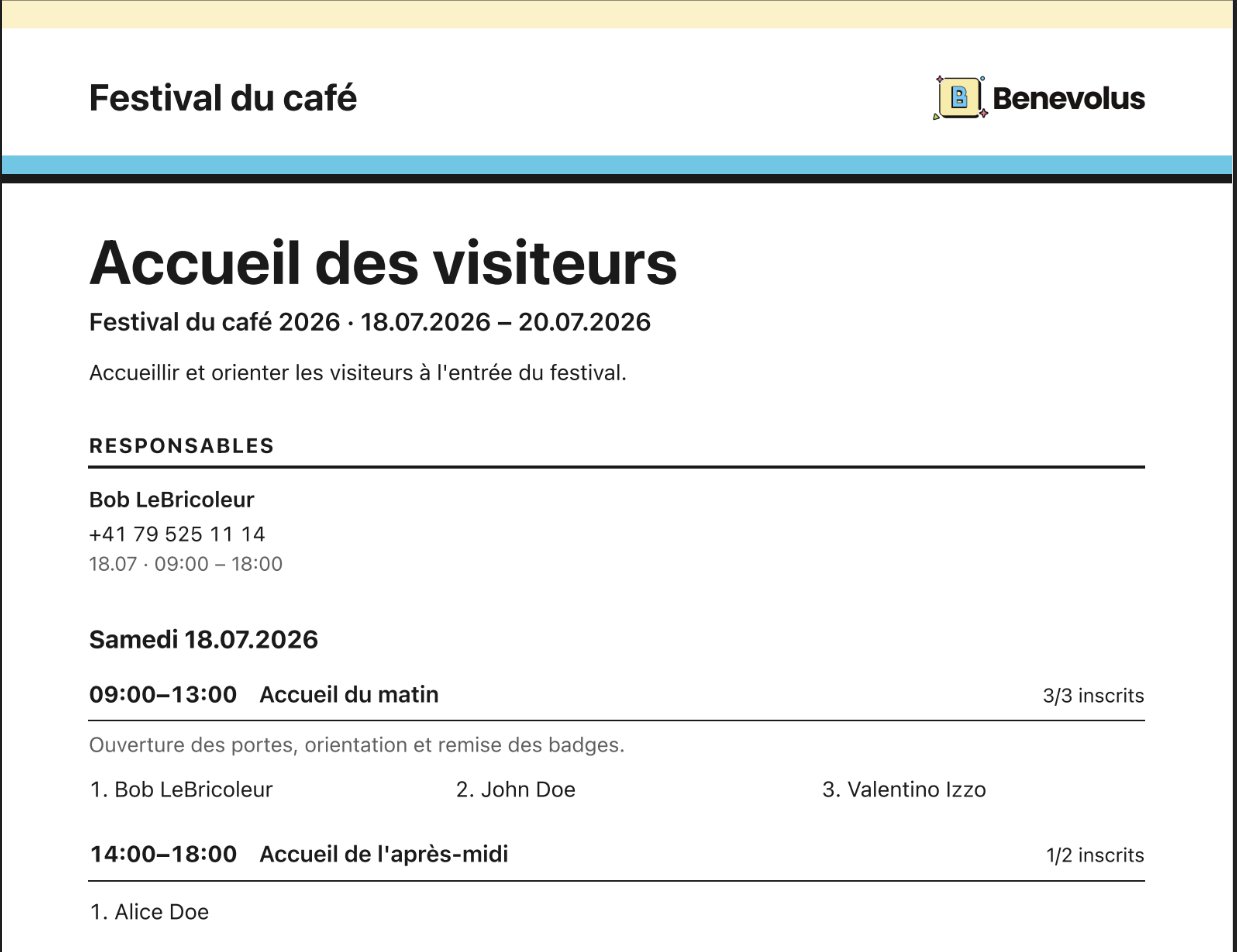 The schedule is **read-only**: it lists sign-ups but does not replace attendance management. Volunteer names are added as people sign up. Reprint the schedule for an up-to-date version.