> ## Documentation Index
> Fetch the complete documentation index at: https://docs.benevolus.ch/llms.txt
> Use this file to discover all available pages before exploring further.
# Sign up for a time slot
> Find an available time slot and sign up in one click from your Benevolus home page.
Once you are a member of an organisation, you pick the time slots that suit you and sign up in one click.
You must be a **member of the organisation** (see [Join an organisation](/en/join-an-organisation)) and the event must be open for sign-ups.
## From your home page
On your home page, the **Available slots** section lists the open time slots. Each card shows the date, the time, the position and how many spots are already taken.
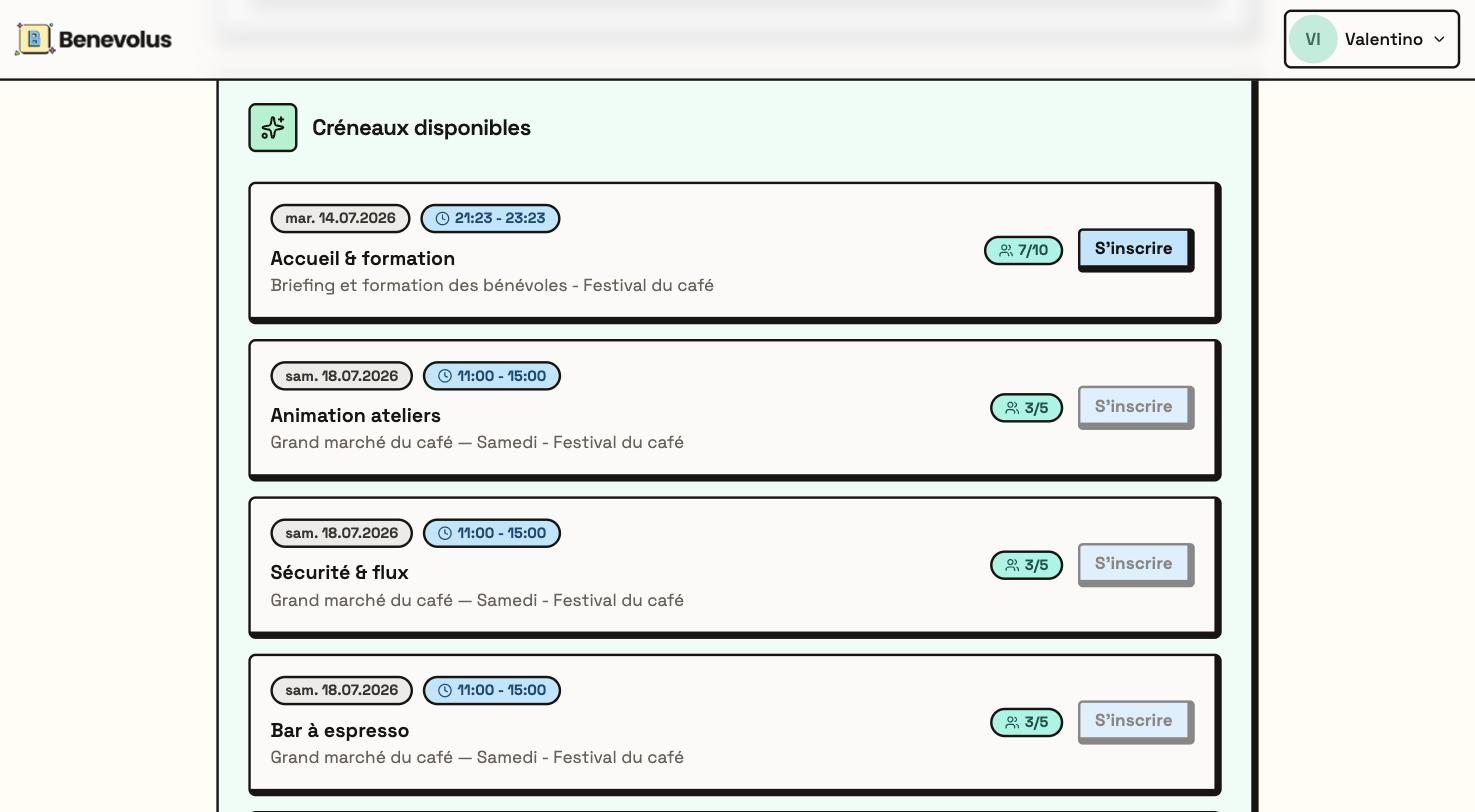 On the slot you want, click **Sign up**. A message confirms your registration, and the slot joins your commitments.
 ## By browsing the posts
You can also sign up straight from a post within the event.
In your organisation, in the **Events** tab, open the event (it must be open for sign-ups).
In the **Posts** tab, open the post you are interested in with **View details**.
Under **Time slots**, each slot shows its time and its spots. Click **Sign up** on the one you want.
## By browsing the posts
You can also sign up straight from a post within the event.
In your organisation, in the **Events** tab, open the event (it must be open for sign-ups).
In the **Posts** tab, open the post you are interested in with **View details**.
Under **Time slots**, each slot shows its time and its spots. Click **Sign up** on the one you want.
 A slot appears greyed out when it is full, or when it overlaps a slot you are already signed up for.
Something came up? You can cancel your sign-up as long as the event has not started.
A slot appears greyed out when it is full, or when it overlaps a slot you are already signed up for.
Something came up? You can cancel your sign-up as long as the event has not started.