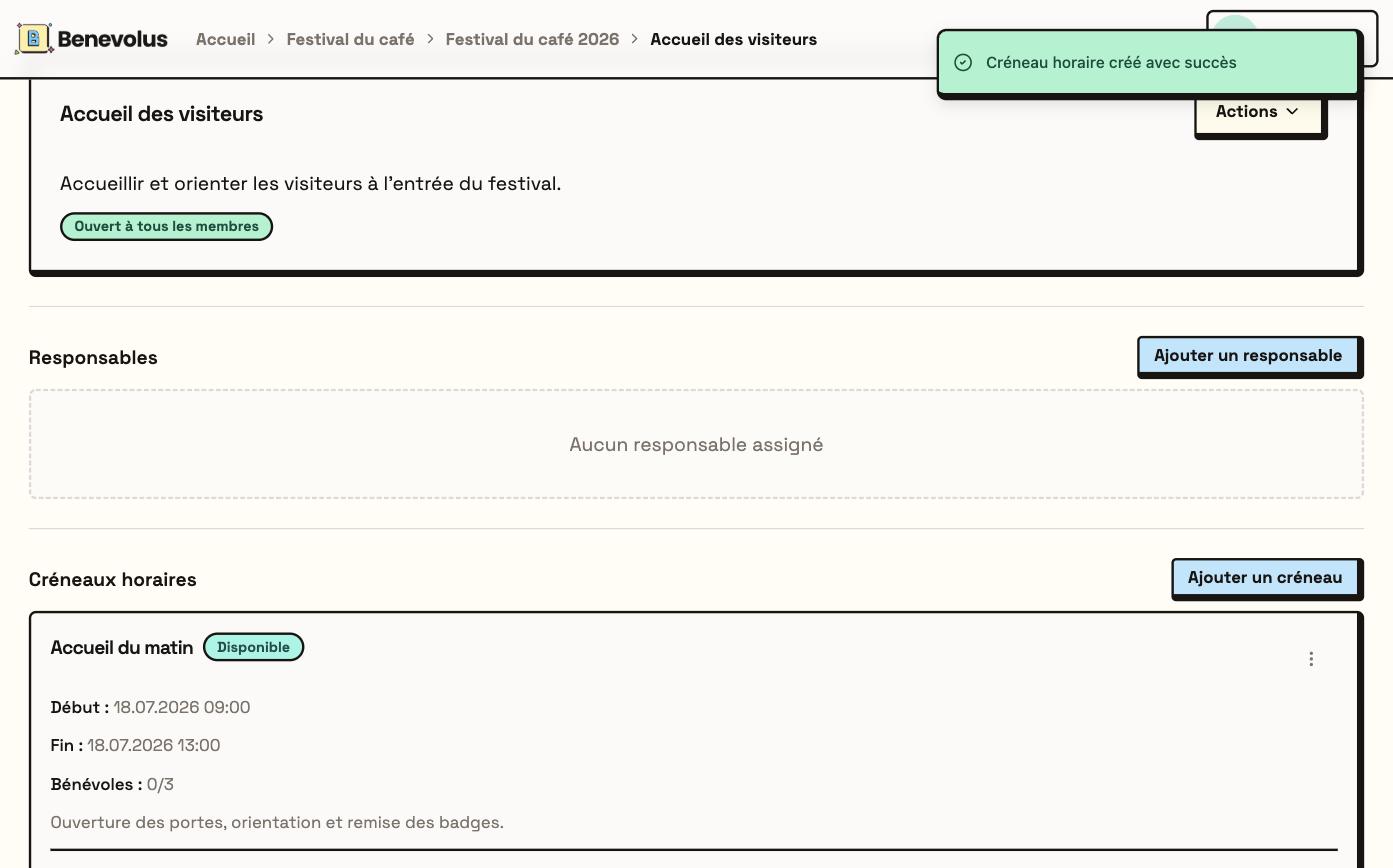

You need to be a Coordinator or a Responsible of the organisation, and the post must already exist.
1
Open the post
In the Posts tab, open the post (View details), then, under Time slots, click Add a time slot.
2
Fill in the time slot
Enter a title, the number of volunteers (available places), the start and end date and time, and an optional description.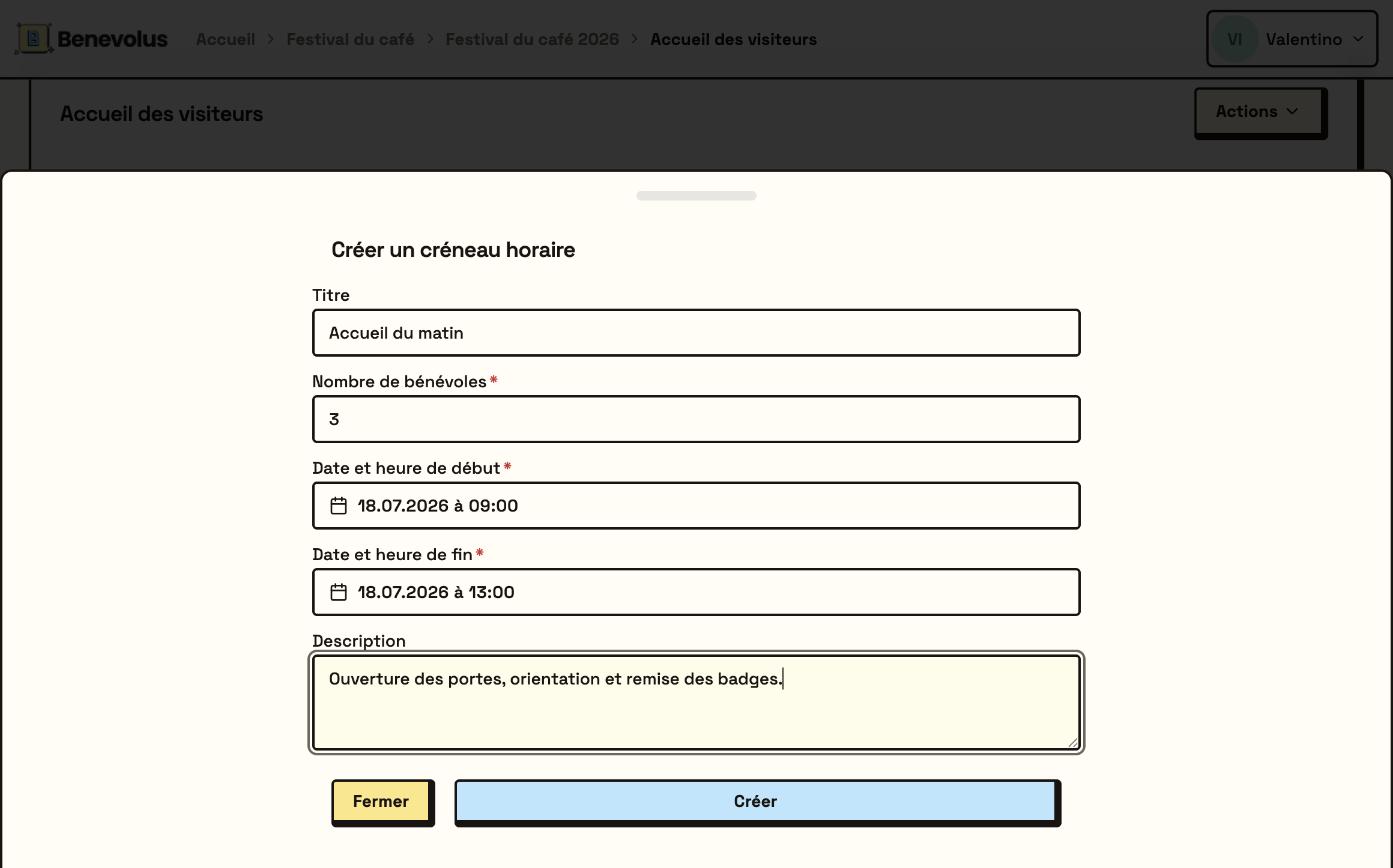
3
Create the time slot
Click Create. The time slot shows with its sign-up counter (for example 0/3).