

You need to be a Responsible of the organisation to create an event (see the roles). If you don’t have an organisation yet, create it first: you become its Responsible.
1
Open the Events tab
From your organisation, open the Events tab, then click Create an event.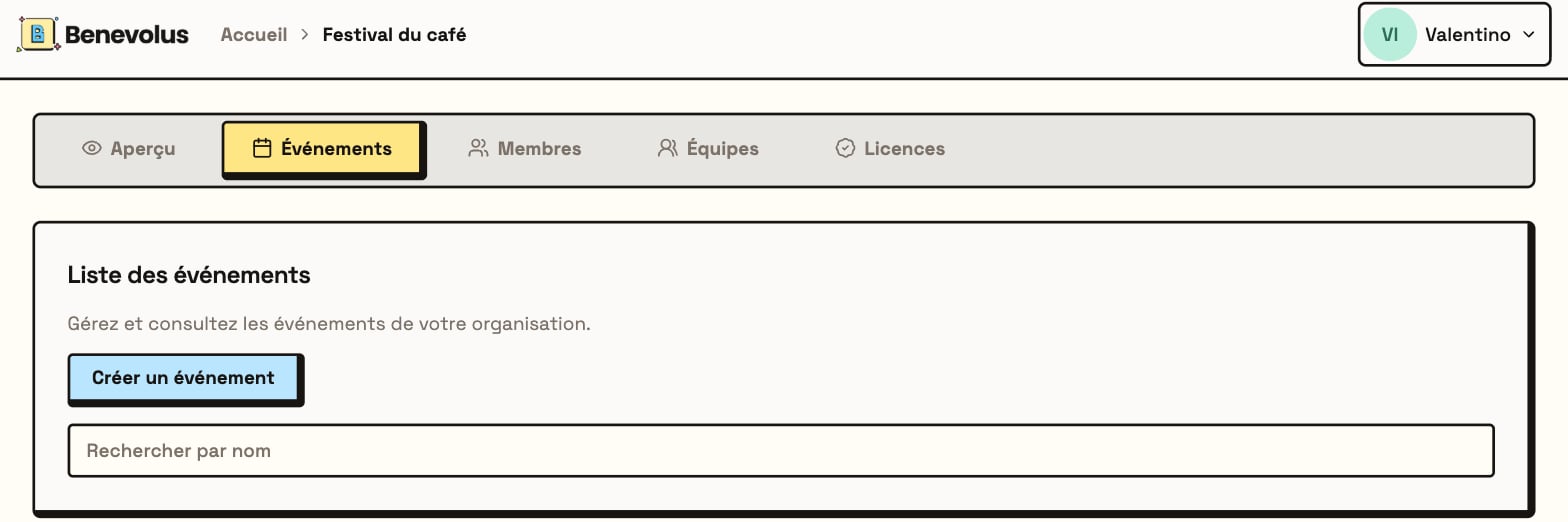
2
Fill in the details
Give your event a name, add a description, then pick the start and end date and time.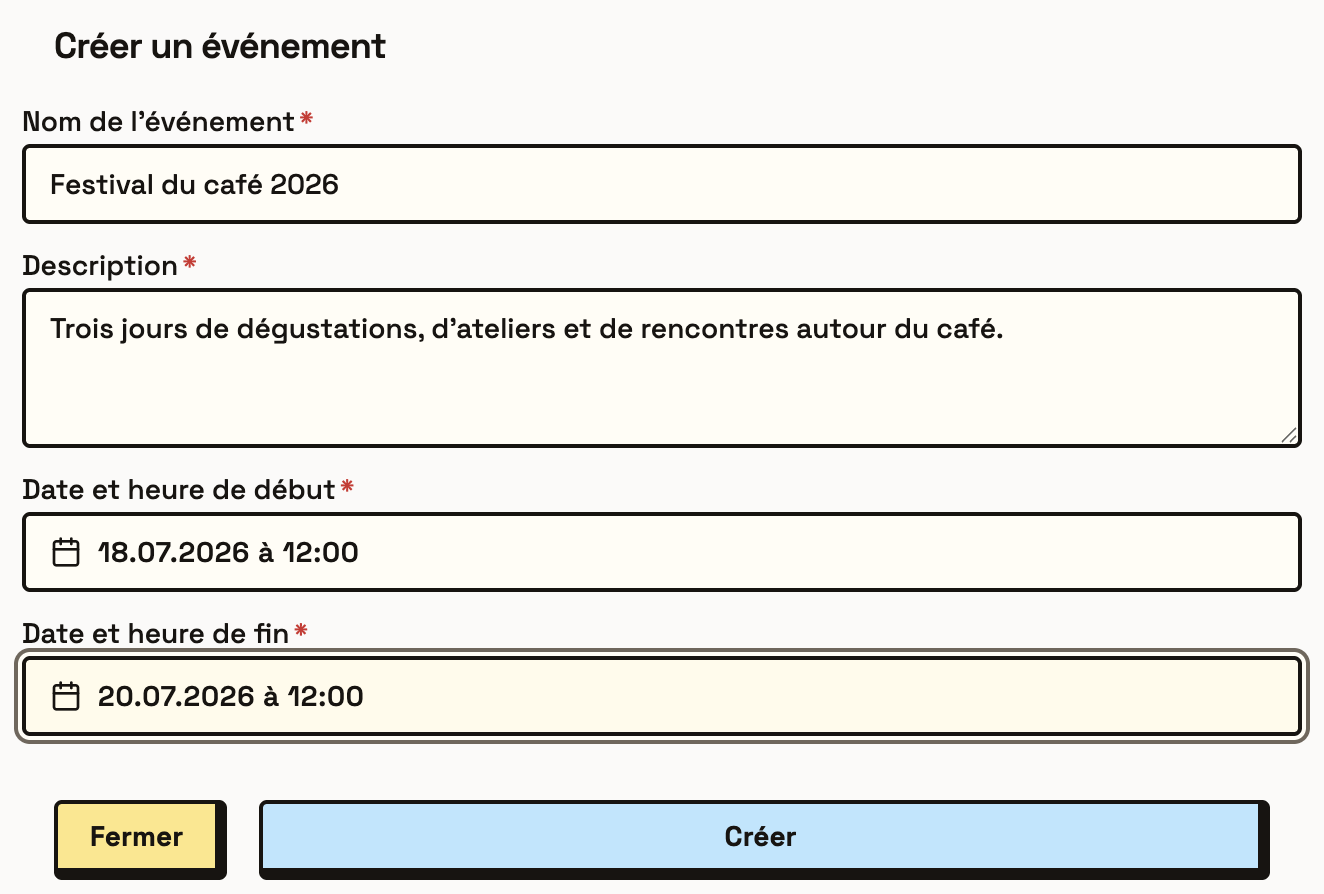
3
Create the event
Click Create. Your event appears in the list with the Draft status.