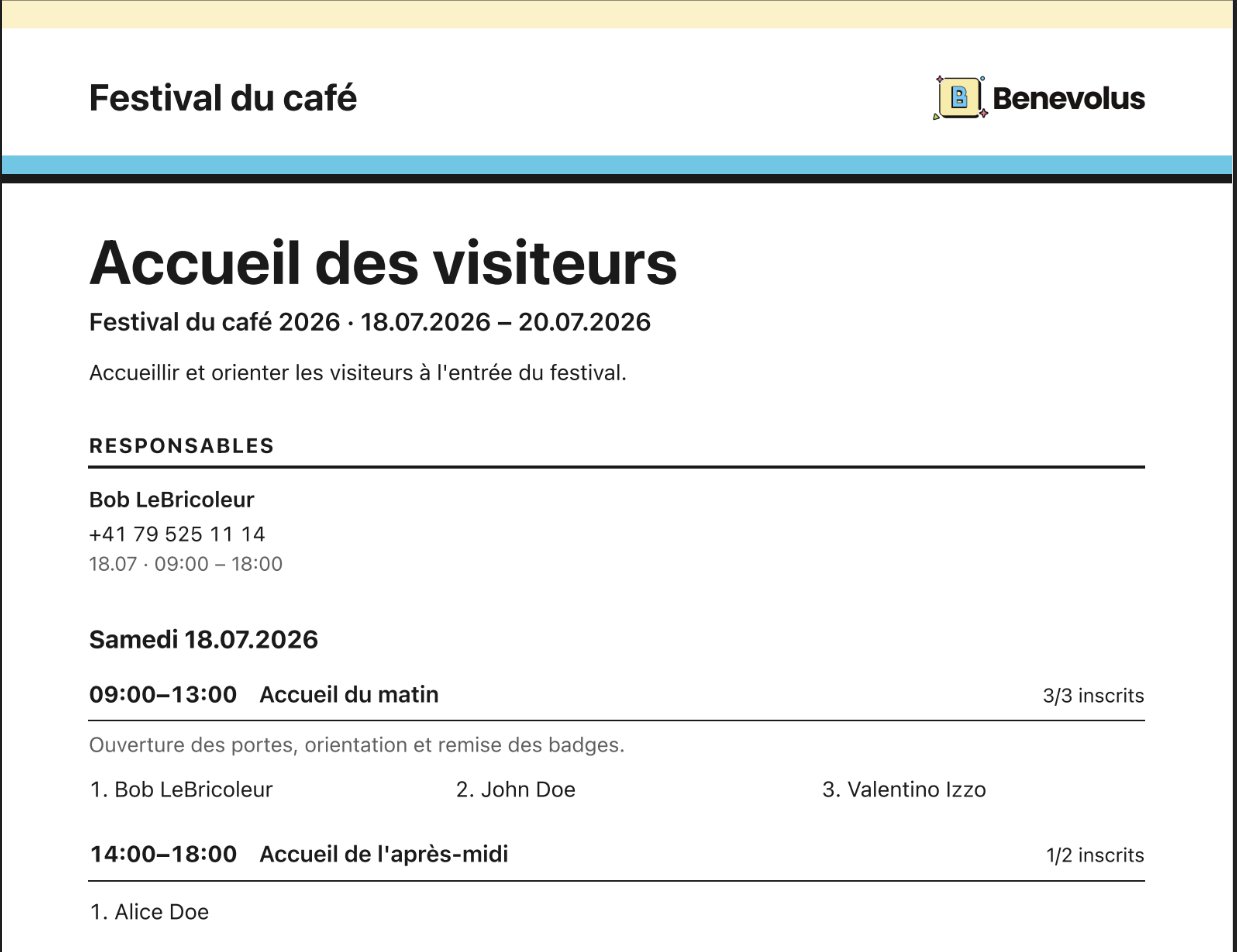

Coordinators and Responsibles only. The schedule reflects the post’s time slots and sign-ups at the moment it is generated.
1
Print one post's schedule
Open the post, click Actions, then Print schedule. The PDF downloads.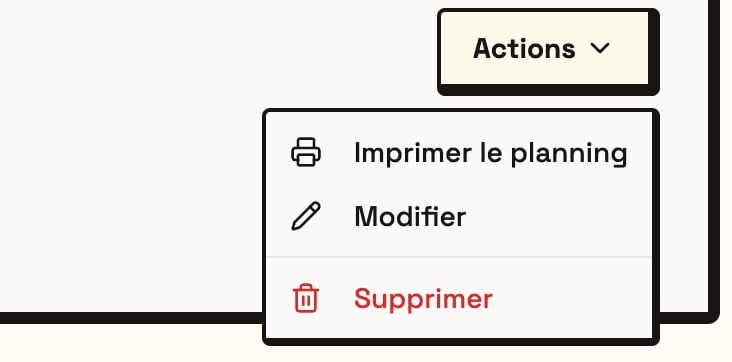
2
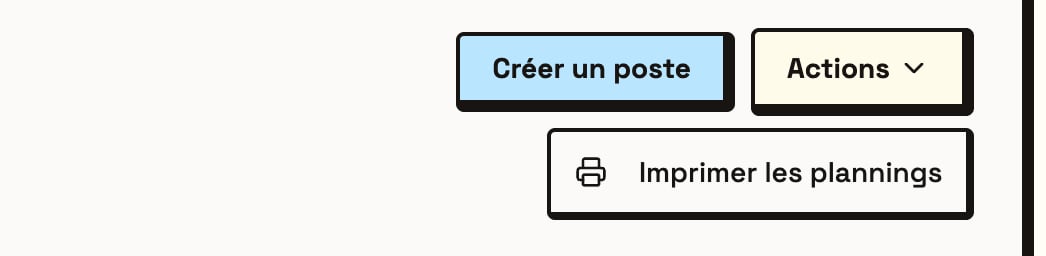
Print every schedule in the event
To print them all at once, open the event’s Posts tab, click Actions, then Print schedules. You get a single PDF, one post per page.