

You need to be a Coordinator or a Responsible of the organisation, and the post is added to an existing event.
1
Open the Posts tab
From your event, open the Posts tab, then click Create a post.
2
Fill in the post
Give the post a name and, if you like, a description. Leave Restrict to teams on None (open to all) to open it to every member, or select one or more teams.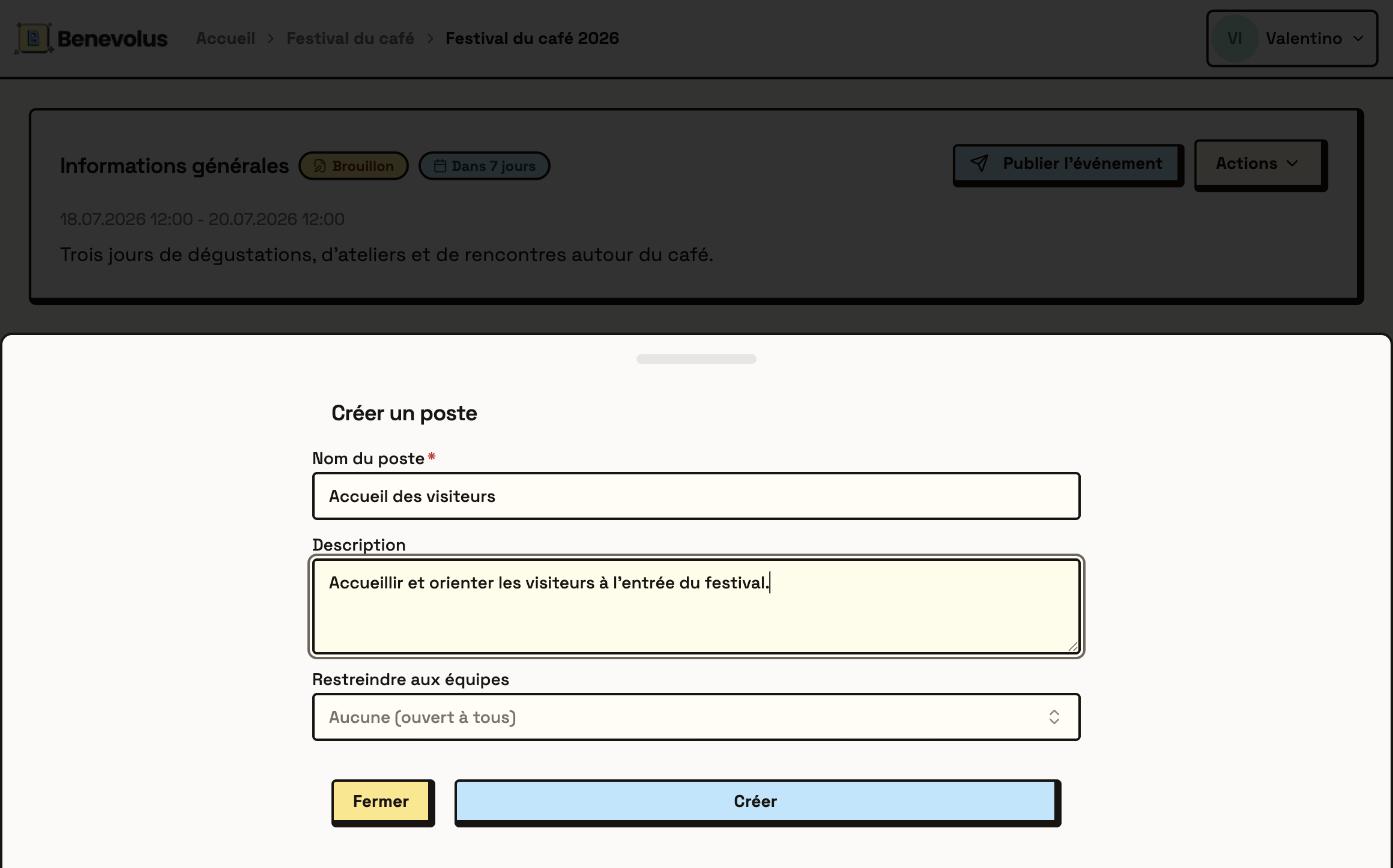
3
Create the post
Click Create. The post appears in the event’s list of posts.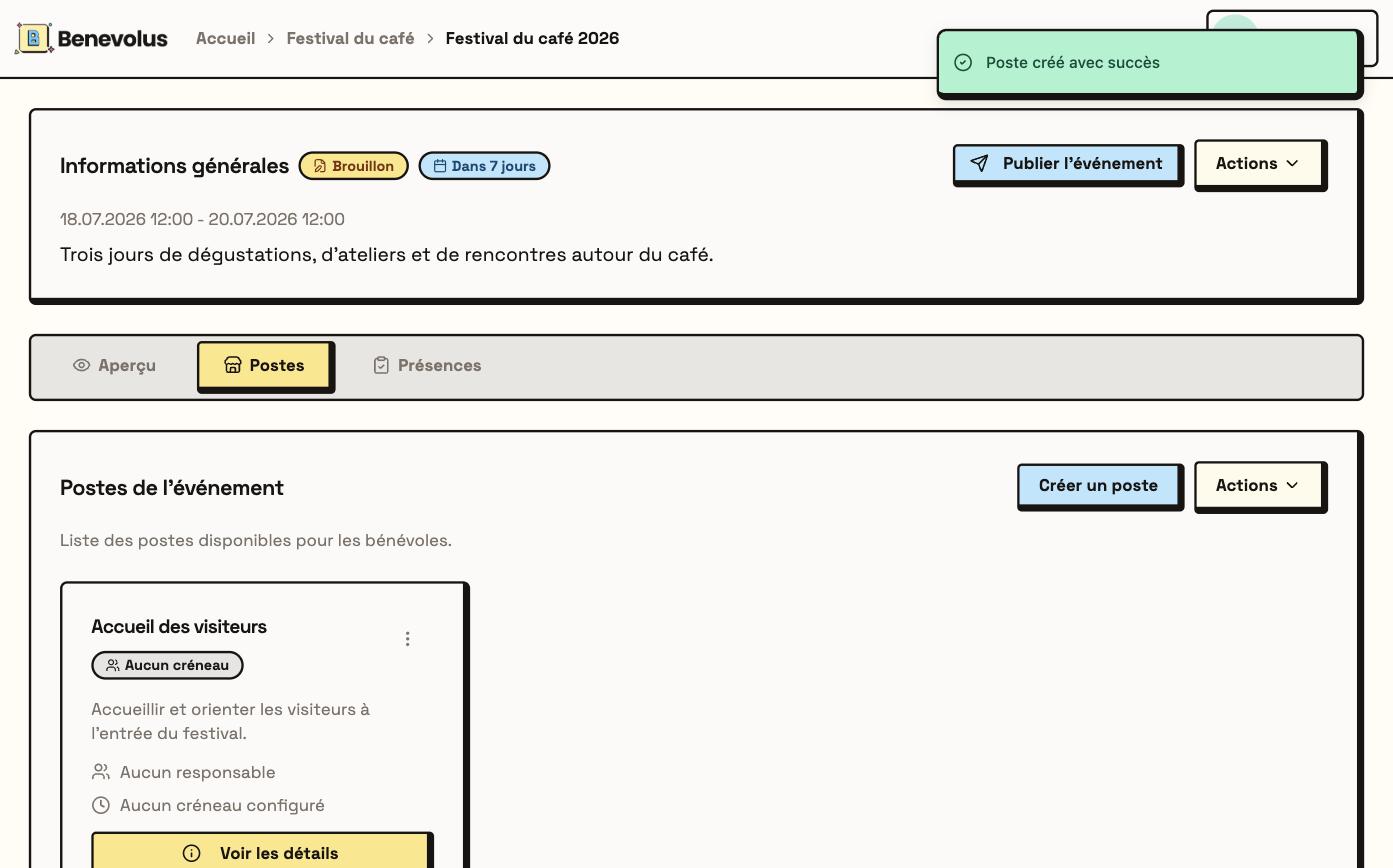
Designate a post responsible
The post responsible leads the post on the day of the event: their volunteers call them when needed.1
Open the post
In the Posts tab, open the post with View details.
2
Add a responsible
Under Responsibles, click Add a responsible. Choose the member, set the start date and time and the end date and time of their assignment, then click Add.
Any member can be a post responsible, even a Volunteer. Their number appears on the printed schedule: if they have not given it yet, Benevolus asks them for it on their home page. See the different roles.