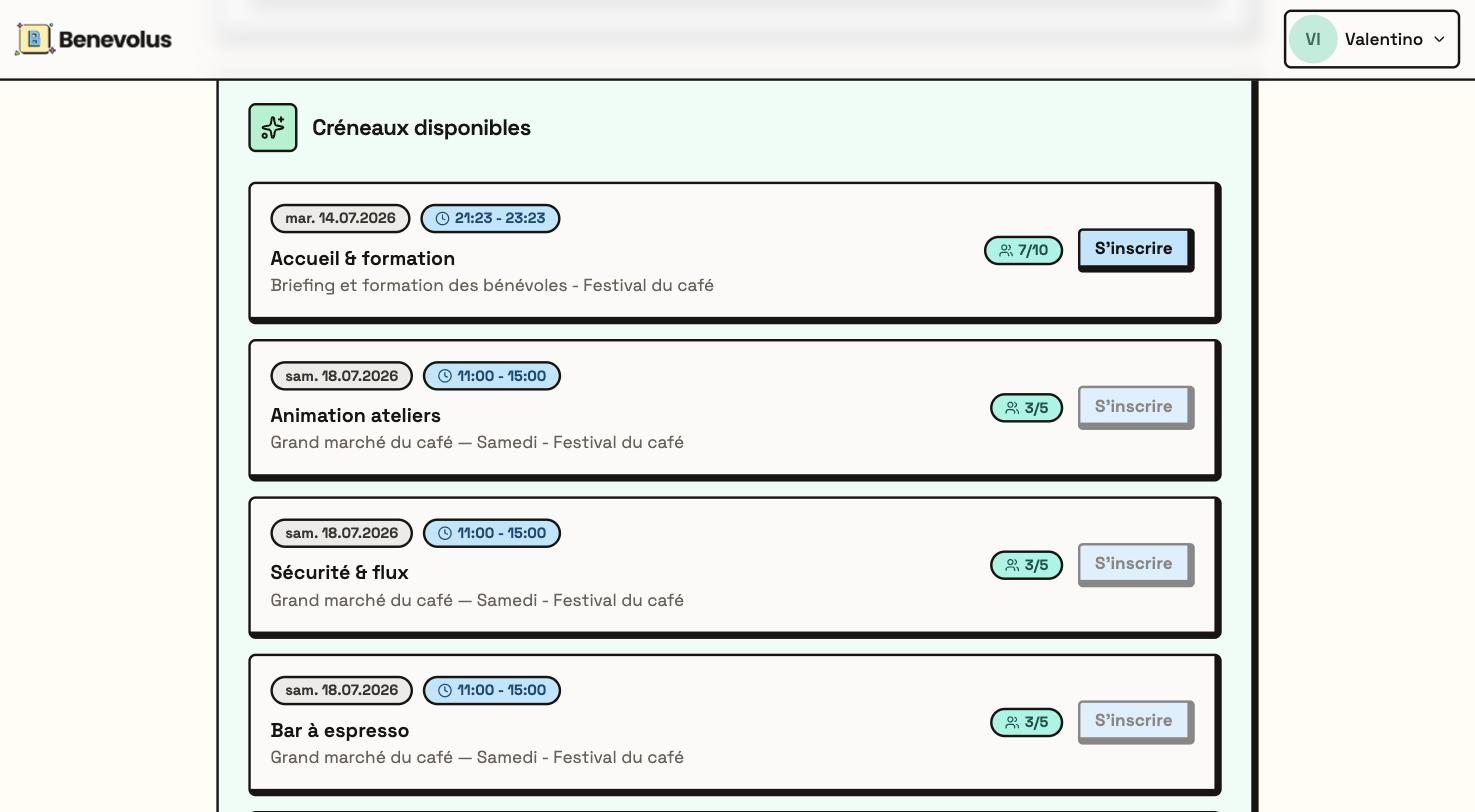
On your home page, the Available slots section lists the open time slots. Each card shows the date, the time, the position and how many spots are already taken.
Available slots on your home page
2
Click Register
On the slot you want, click Register. A message confirms your registration, and the slot joins your commitments.
You can also sign up straight from a post within the event.
1
Open the event
In your organisation, in the Events tab, open the event (it must be open for sign-ups).
2
Open a post
In the Posts tab, open the post you are interested in with View details.
3
Sign up for a time slot
Under Time slots, each slot shows its time and its spots. Click Register on the one you want.
Signing up for a time slot from a post
A slot appears greyed out when it is full, or when it overlaps a slot you are already signed up for.The organisation can also set limits: a rest time between two runs of time slots, or a maximum number of time slots on the same post. The rest time is shown at the top of the event page. A time slot that goes past a limit appears greyed out on the post page, with the reason below the Register button. From your home page, a message tells you when you click Register.
Something came up? You can cancel your sign-up as long as sign-ups are open. After that, let your organisation know: a Coordinator or a Responsible can remove you from the slot.